Your Mac is full of
developer junk.
TidyDisk finds the gigabytes hiding in Xcode DerivedData, node_modules, simulators, package-manager caches and forgotten projects — and cleans them safely.
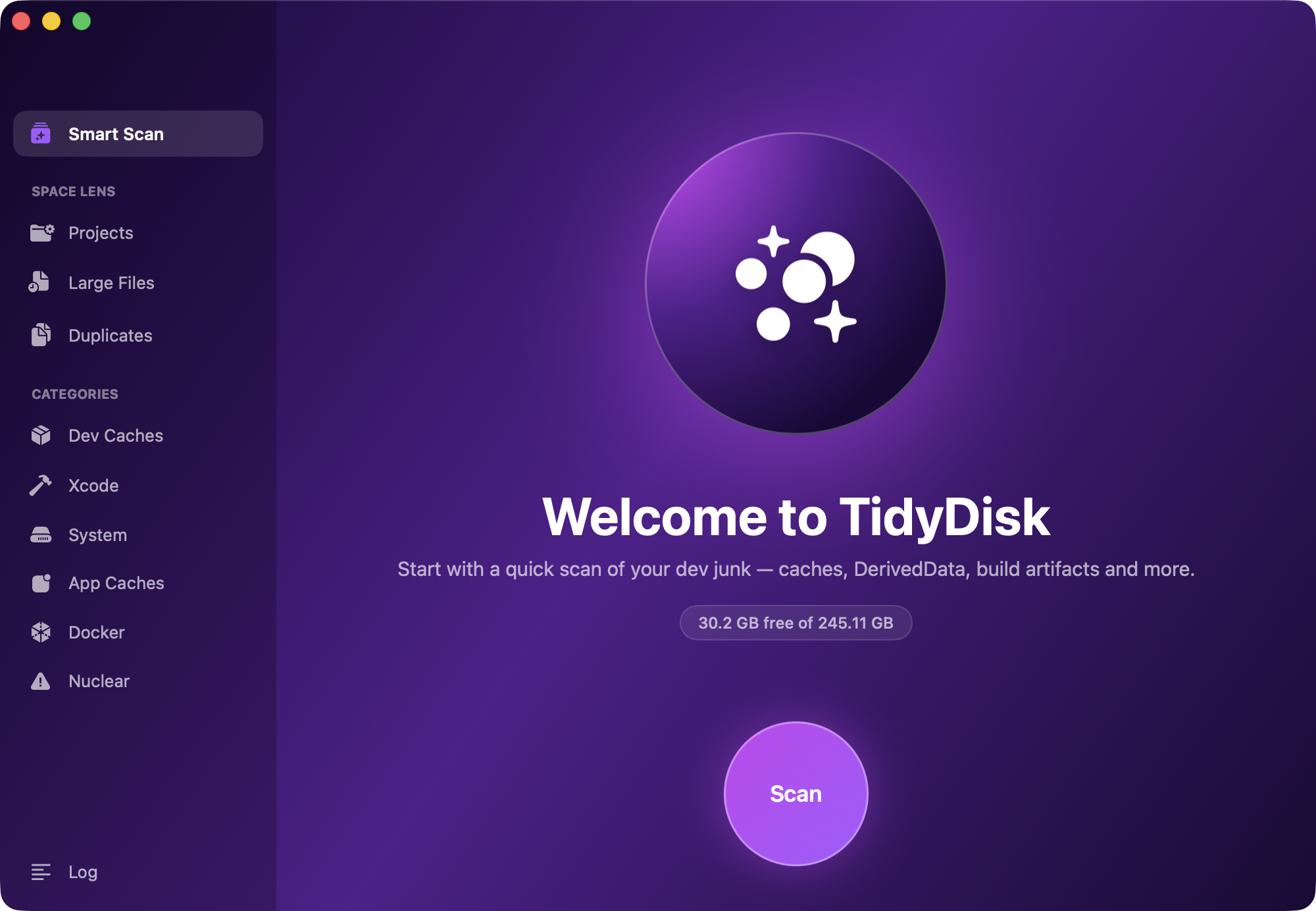
Smart Scan
Detects the dev tools installed on your Mac — Xcode, npm, CocoaPods, Gradle, Docker, Homebrew — and only scans what's actually there.
Space Lens for projects
Finds every project on your Mac and shows what its build artifacts weigh. Clean node_modules and build folders, or archive whole projects to GitHub or iCloud first.
Large files & duplicates
Surfaces forgotten multi-gigabyte files and duplicate downloads. Deletions go to Trash, so nothing is ever lost by accident.
Lives in your menu bar
Free-space at a glance, one-click scans, and an optional weekly scan that notifies you when junk piles up again.
Three safety tiers
Safe caches are pre-selected. Aggressive and nuclear options — like deleting all node_modules — always require an explicit opt-in.
Native & tiny
A real SwiftUI app, not Electron. Universal binary for Apple Silicon and Intel, a few megabytes on disk.
Install in 10 seconds
Download the zip and open it — it unpacks to TidyDisk.app.
Drag TidyDisk.app into your Applications folder.
Open it and hit Scan. It's notarized by Apple, so it opens without warnings.